
History and recovery
Choose the right recovery tool
Section titled “Choose the right recovery tool”| Situation | Start with |
|---|---|
| You just made an unwanted edit | Edit → Undo |
| You need an earlier checkpoint | The History panel, when available |
| You deleted a project in account mode | Trash on the dashboard |
| Browser-local data was removed | An exported backup |
Use history checkpoints
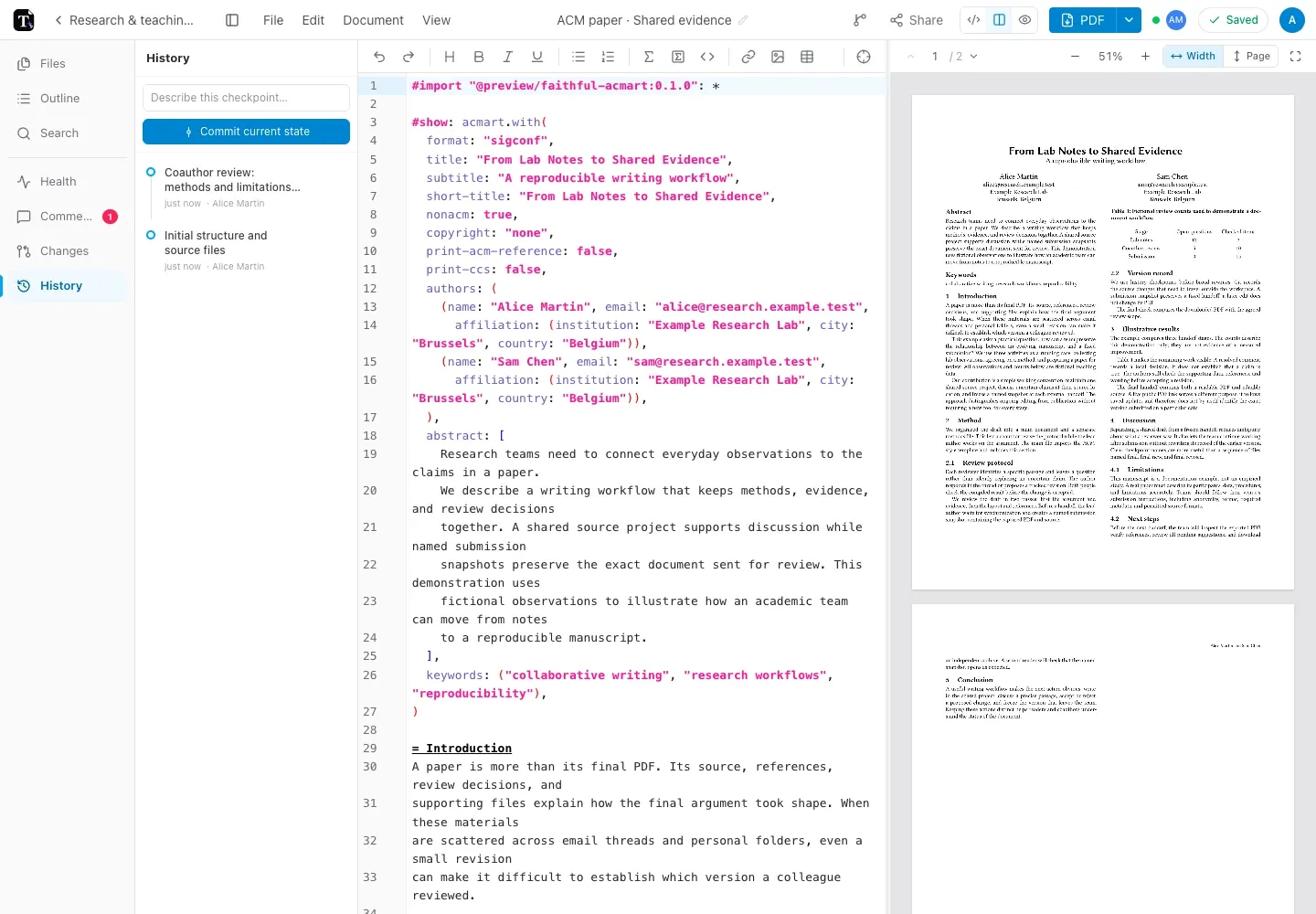
Section titled “Use history checkpoints”In a server-backed project, open the History panel to create and inspect checkpoints. Give a checkpoint a useful description before a substantial rewrite, import, or other major change.
Open a history entry to compare changes. Restoring an entry records a new history event rather than erasing the later timeline. You still need permission to modify the project.
Checkpoint history is not a record of every keystroke. Use it deliberately at milestones, and use Undo for immediate editing mistakes.
Use a submission snapshot when you need the exact PDF and source sent to reviewers. A checkpoint is useful for editing history; a frozen snapshot identifies an external handoff.
Recover a deleted project
Section titled “Recover a deleted project”In account mode, inspect Trash and restore the item if it is still available. Permanent deletion removes that recovery path. Do not treat local-mode deletion as recoverable through the server’s Trash.
Preserve a separate backup
Section titled “Preserve a separate backup”Download the editable project ZIP as well as important PDFs. Keep required packages and fonts with your backup plan. For larger server-backed captures, inspect the submission snapshot and folder backup options.
If a sync failure is involved, preserve the current device’s work before clearing data or re-importing. See saving and offline use.