
Skills and reusable workflows
The Tylor skill tells your agent how to operate your workspace. A separate workflow skill can hold instructions you want to reuse: which template to use, which files may change, how to check the result, or which terminology to preserve.
This lets you bring your own process to Tylor without repeating it in every prompt.
Use Tylor with another skill
Section titled “Use Tylor with another skill”Name the skills and the task together. For example, if you have installed a skill containing your team’s document conventions:
Use my team-document-check skill together with the Tylor skill.Check the project “Tylor · Paper review meeting” against thoseconventions. Propose wording changes as tracked suggestions;report layout issues separately. Do not publish the document.team-document-check is an illustrative name, not a skill bundled with Tylor. The other skill must exist in your agent environment. Its instructions determine the specialist checks; Tylor supplies access to the project and its files.
Keep layout and workflow separate
Section titled “Keep layout and workflow separate”A Typst template or local package controls how a document is typeset. An agent skill controls how the agent carries out a task. They can work together:
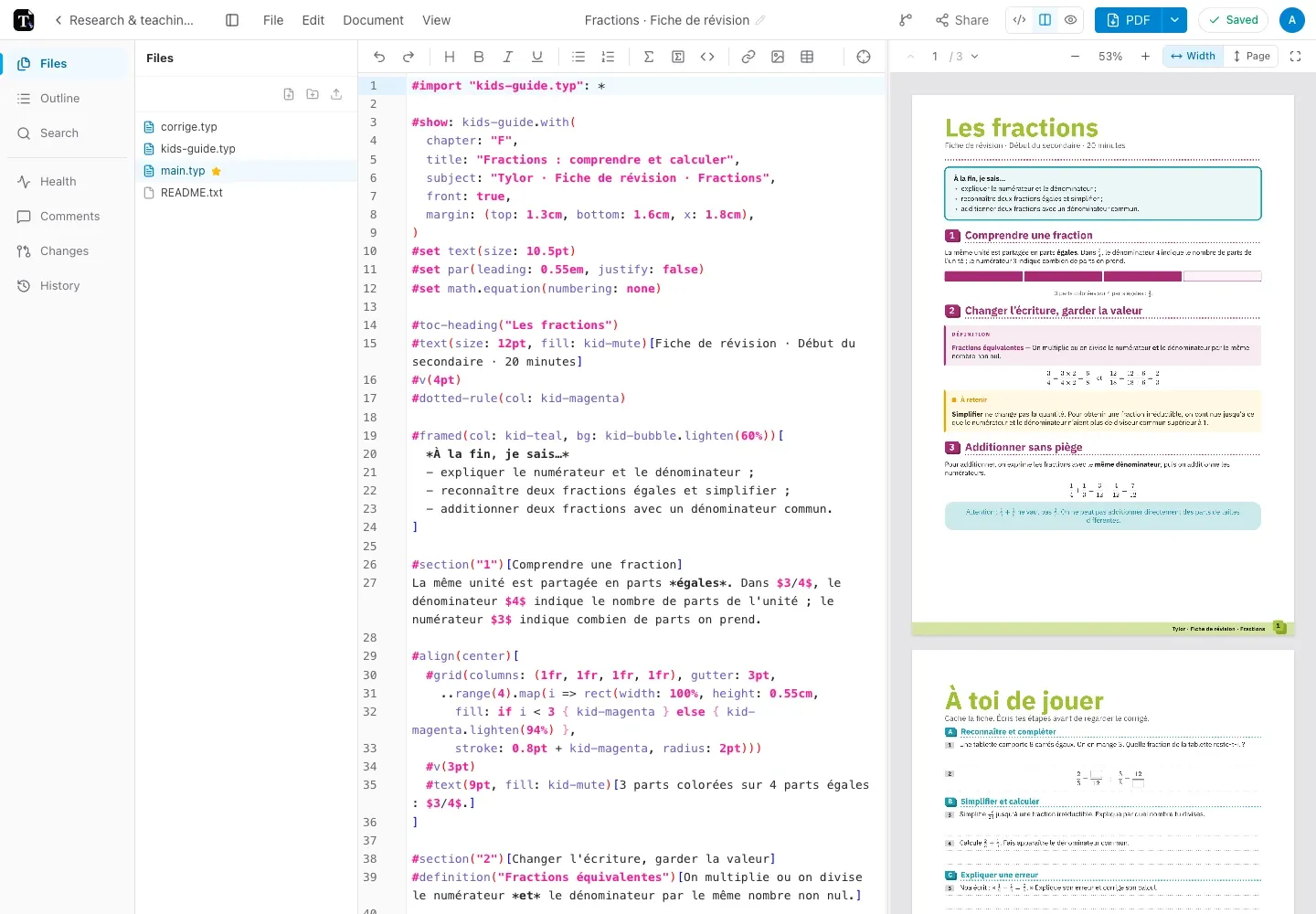
Use the Tylor skill to create a project from my “Workshop notes”template. Import the notes I attached, keep their wording,compile the document, and inspect every page for layout problems.For an existing revision sheet, you could ask the agent to adjust the template’s spacing while preserving the exercises and correction. For a paper, you could ask it to diagnose compilation or update figure paths. The document’s purpose stays in your instructions.
Save a workflow you already use
Section titled “Save a workflow you already use”A skill can record a repeatable sequence such as:
- Find the named Tylor project and pull its current files.
- Apply the checks you specified to the requested files.
- Submit wording changes as suggestions, or push authorized source edits.
- Compile and inspect the rendered pages.
- Report what changed and what still needs your decision.
Keep your specialist instructions in a separate skill from the installed Tylor skill. Define when it should run and what result you expect. The agent setup page links to each tool’s skill documentation and install locations.
Check the outcome
Section titled “Check the outcome”A skill makes instructions reusable; it does not guarantee the result. Open the project, inspect the diff or suggestions, and check the rendered document. Review agent changes explains the available controls in Tylor.